
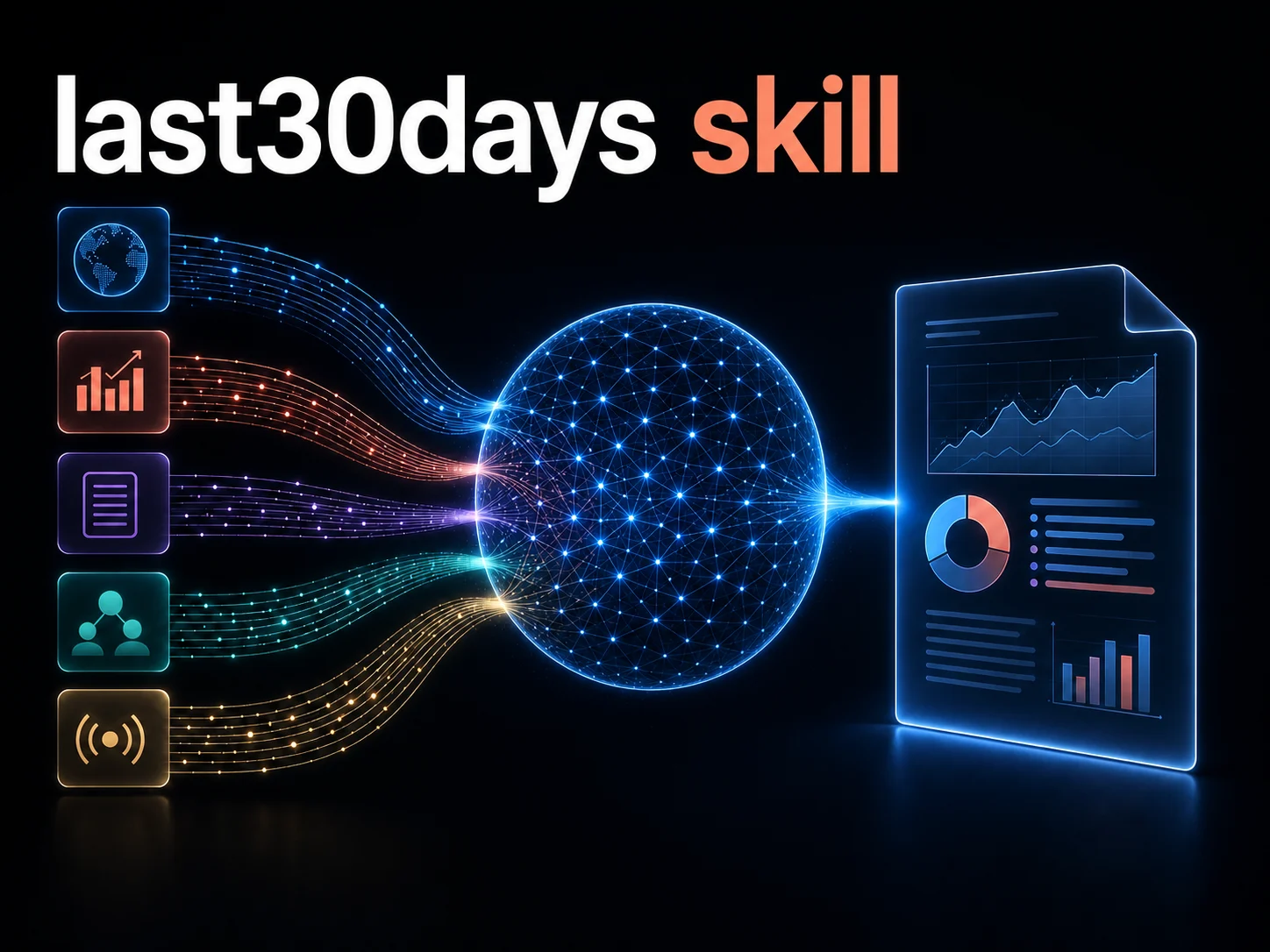
An AI research agent combines recent signals from several sources into 1 report.
My work mate Alberto told me about last30days, an agent skill for researching a person, company, product, or topic over the previous 30 days. What caught my attention was how little setup it needs: Reddit, Hacker News, Polymarket, and GitHub work immediately. Run it once and its setup assistant can enable X, YouTube, TikTok, arXiv, Techmeme, and more.
That matters because each source shows a different kind of signal. Reddit votes and comments show what a community is discussing. X reactions and YouTube transcripts can surface early ideas. TikTok engagement can reveal what is spreading. Polymarket adds probabilities backed by real money. The skill searches the available sources in parallel, weighs their engagement signals, and produces 1 research brief with links back to the sources.
Google mostly finds pages. This skill is meant to find the current conversation.
No single assistant can normally search all these places. They are separate platforms with separate APIs, credentials, and browser sessions. If I connect the sources I use, last30days can compare their recent results instead of relying on a single search index. That is the useful idea: not a slightly better search engine, but one place to start across several disconnected platforms.
Why I use it
I have used it when I need a quick recent picture of something. A normal search is still useful, but it often puts older, well-ranked pages first. For software, that can miss a new release, a common problem in GitHub issues, or a useful discussion happening right now.
The valuable bit is not that it gives me an answer. It gives me a short list of recent threads, issues, releases, and links worth reading. That saves me from opening many tabs just to discover where the conversation is happening.
How I use it
The useful part is that the prompt can stay very simple:
/last30days <topic>For a tool evaluation, I search its name and then open the linked GitHub issues and release notes. Before a meeting, I use the person or company name to see their recent work. For a product idea, I search the problem, not my proposed solution, to find the words people use and the complaints that repeat.
It is a starting point, not evidence by itself. A popular post can be wrong, and an issue can describe an unusual case. I still read the original sources before relying on a claim. But it has made the first pass much faster and helped me focus on what changed recently.
That is why I like it: it is a simple way to find the useful links before spending time on the details.
Advanced use and sources
The basic command is enough for most searches, but the current v3.18.4 specification supports more control. I can choose sources for a single run:
/last30days "AI coding agents" --search reddit,x,youtube,hn,github,web--search overrides the defaults. For a permanent default, I can set LAST30DAYS_DEFAULT_SEARCH; INCLUDE_SOURCES adds sources and EXCLUDE_SOURCES removes them. The configuration lives in ~/.config/last30days/.env. Project configuration is also possible in .claude/last30days.env, but only after explicitly enabling LAST30DAYS_TRUST_PROJECT_CONFIG=1.
Here is the practical source map:
| Source | What it is useful for | Setup |
|---|---|---|
| Reddit, Hacker News, Polymarket | Community discussion, technical debate, and prediction markets | Available without a key |
| GitHub | People, repositories, releases, issues, and pull requests | Authenticate the gh CLI |
| StockTwits | Stock and crypto sentiment | Activates for recognised tickers or crypto topics |
| Digg, arXiv, Techmeme | Trending technology stories, research papers, and tech-news archive | First-run setup normally installs their CLIs |
| YouTube | Videos, transcripts, and top comments | yt-dlp; normally installed during first-run setup |
| Jobs and careers pages | Hiring signals from applicant-tracking systems | Use --hiring-signals |
| General web, Perplexity | Grounded web results and optional deep research | Native web search or a configured provider; Perplexity needs its API key |
| Trustpilot, DripStack | Consumer reviews and financial newsletters | Explicit opt-in; Trustpilot also needs its CLI |
| X, TikTok, Instagram, Threads, Pinterest, LinkedIn | Social posts, articles, and comments | Credentials and explicit source activation required |
| Bluesky, Truth Social, Xiaohongshu | Additional social networks | Their own credentials or a local logged-in browser/service |
| Local files and saved library | Private notes, transcripts, and previous briefs | --corpus <directory> or library search "<query>"; stays local |
It can also search local Markdown and text files with --corpus <directory> without sending those files away, and library search "<query>" searches saved briefs locally. Before relying on a new setup, I would run doctor or doctor --probe from the installed skill directory to see which sources are working and which still need configuration.
Thanks for reading, Hack the Planet!