
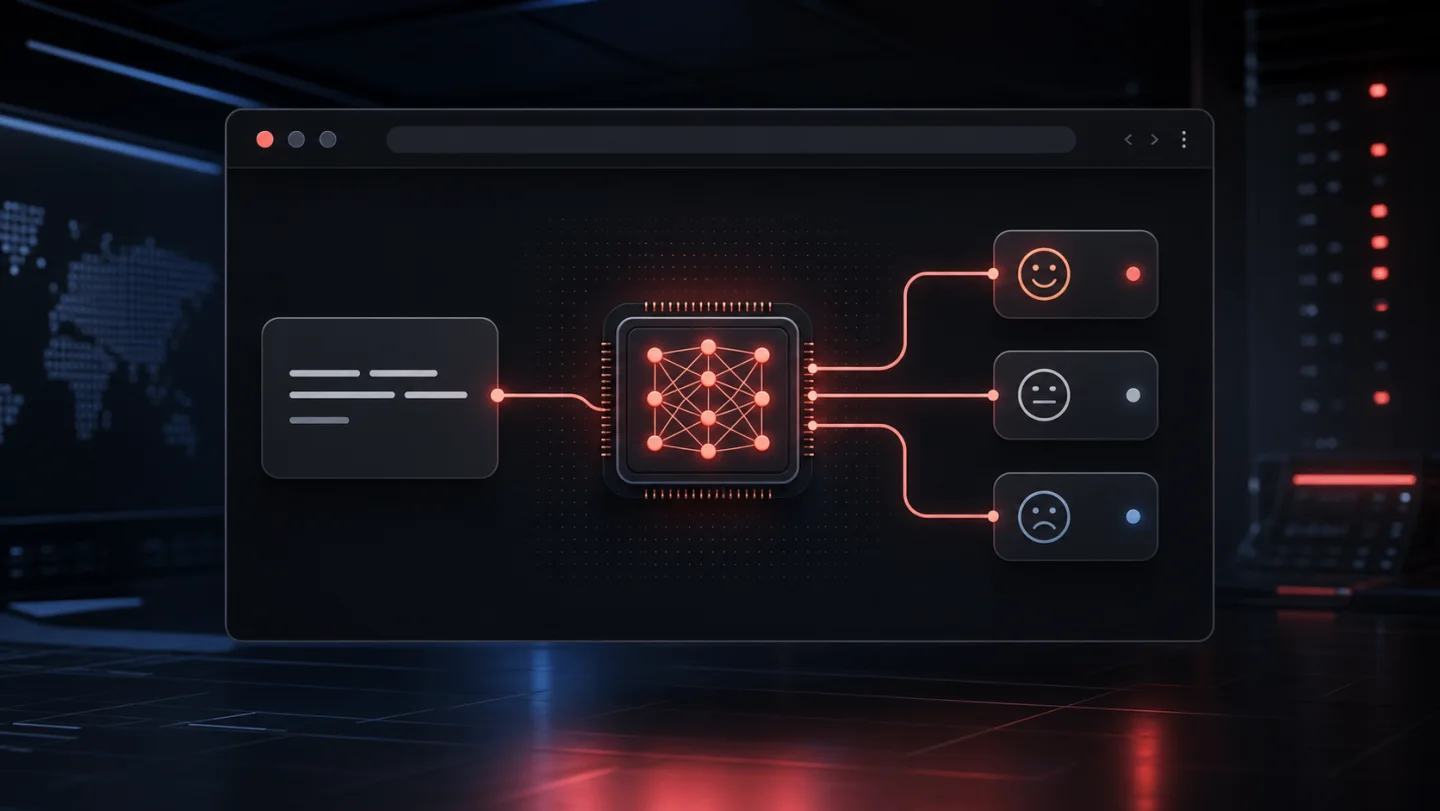
A compact classifier can turn a sentence into a useful signal without sending the text to an application server.
When people talk about AI in a product, the conversation usually jumps straight to large language models, APIs, agents, and fairly complicated infrastructure. But many useful problems are much smaller than that.
Imagine a feedback form. Before a comment is submitted, we want to identify whether its tone is positive, neutral, or negative. We do not need a model that can write poetry, use tools, or hold a conversation. We need a classifier: text goes in, 1 of 3 labels comes out.
That kind of task is a good fit for a small model running directly in the browser.
Why put a model in the browser?
The obvious architecture is to send the sentence to an API and classify it on a server. That works, but it also introduces a network round trip, an endpoint to operate, and a place where the user’s text leaves the device.
Running the model in the browser changes the trade-off:
- The text stays local: inference happens on the user’s device. The browser still downloads the model files from their host, but the sentence itself does not need to be sent to our application server.
- There is no inference API to maintain: static hosting can be enough for the entire feature.
- Inference is fast after the first load: the model can be cached by the browser and reused.
- The feature can keep working offline: provided the application and model assets have already been cached.
The price is paid at the other end. The first visit has to download the model, memory and performance vary between devices, and we have less control over the execution environment. Client-side inference is not automatically better; it is simply a very interesting option for small, bounded tasks.
The smallest useful experiment
For this experiment I am using Transformers.js, which runs compatible Transformer models through ONNX Runtime in the browser. Its pipeline API deals with tokenization, model execution, and turning the raw output into labels.
The classifier is Xenova/twitter-roberta-base-sentiment-latest. It returns exactly the 3 labels we need: positive, neutral, and negative. It is trained for English text and social-media-style language, which is important context rather than a detail to hide.
The core integration is surprisingly small:
import { pipeline } from "@huggingface/transformers";

const classify = await pipeline(
  "text-classification",
  "Xenova/twitter-roberta-base-sentiment-latest",
  { dtype: "q8" },
);

const [result] = await classify(
  "The release is useful, but the new navigation is frustrating.",
);

console.log(result);
// { label: "negative", score: 0.89 }
The exact score depends on the runtime and model revision, but the shape is the useful part: a label and a confidence value.
For a small static page, the library can also be imported from a CDN:
const { pipeline } =
  await import("https://cdn.jsdelivr.net/npm/@huggingface/transformers@4.2.0");
In a normal application I would install the package with the project’s package manager and let the bundler manage it. The CDN version is convenient for a self-contained experiment.
In-browser demo
Try the classifier
The first run downloads the model. After that, the sentence is processed locally in your browser.Do not load it before it is needed
The JavaScript is tiny compared with the model. That changes how I think about loading the feature. I do not want a classifier competing with the page’s critical resources before the user has shown any intention of using it.
The demo waits until the first click before creating the pipeline:
let classifierPromise;

function loadClassifier() {
  classifierPromise ??= pipeline(
    "text-classification",
    "Xenova/twitter-roberta-base-sentiment-latest",
    { dtype: "q8" },
  );

  return classifierPromise;
}
Keeping the promise also prevents 2 quick clicks from loading 2 copies of the model. On its first run, Transformers.js downloads the model from the Hugging Face Hub and stores it in the browser cache. Later runs are much faster.
By default, browser inference uses the CPU through WebAssembly. Transformers.js can also target WebGPU, but support and hardware vary, so I would treat it as an enhancement and keep the WebAssembly path as the reliable baseline. Quantization matters too: using 8-bit weights reduces the download and memory cost, usually with a small accuracy trade-off.
The model is only part of the product
A probability is not a product decision. Even in this tiny example, there are questions around the model:
- What should the interface do when confidence is low?
- Is a mixed sentence really well represented by 1 label?
- Should sarcasm, slang, or a different language be handled differently?
- Does the training domain resemble the text our users will write?
- What happens on an older phone with limited memory?
I would also avoid presenting the result as an objective reading of a person. This is a model estimating a linguistic pattern, not measuring intent or emotion. It can be useful for sorting feedback or changing the tone of an interface, but it should not make consequential decisions about users.
For production, I would test the classifier against real, consented examples from the product domain, define a confidence threshold, measure the initial download on mobile, and add a server fallback only if the use case truly needs it. If the application supports Spanish, I would choose and evaluate a multilingual model instead of assuming an English classifier will generalise.
Small models make the web more interesting
The part I like about this experiment is not sentiment analysis itself. It is the shape of the architecture: a static page can download a focused capability and execute it locally, with no inference service in the middle.
There are many similarly bounded tasks: detecting language, sorting a support request, producing embeddings for a local search, identifying toxic text, or extracting named entities. They do not all need a large generative model. Sometimes the right amount of AI is a small model, loaded only when needed, doing 1 job well.
Thanks for reading, Hack the Planet!